Video matching preview
Install the prerelease APK named Milkbeat Preview. It uses a separate app ID and keeps its own settings, plugins and account sessions. Open that launcher entry to test; your stable Milkbeat app remains available. Stable downloader codes and automatic updates keep their stable packages; Preview packages are published only for the separate Preview installation. Updated Preview builds exclude stable-publication update checks and keep their pinned test packages. Older archived Preview APKs retain their previous update behavior: turn off Settings → Plugins → Update plugins automatically and avoid Update all plugins when reproducing those tests. Install a new Preview build or use its documented code to test a newer preview package.
Set up
- Install the Preview APK from the linked GitHub prerelease.
- In Milkbeat Preview, install the YouTube plugin using downloader code 563. Preview downloader codes use its bundled catalog. YouTube's Google-account sign-in works only in the stable app, so in Preview the plugin runs signed out.
- Install SoundCloud using 089 and sign in with its TV code if you want personalized Home and Library. YouTube sign-in is optional for matching and playback.
- Put YouTube first under Audio in Settings > Plugins. There is no metadata provider to select: SoundCloud and YouTube each get their own tab in the sidebar.
Retired YouTube plugins
The preview YouTube Music plugin (code 494) and YouTube Video (codes 932, 304 and 744) are retired and no longer in the Preview catalog; the YouTube plugin (code 563) replaces both. An installed copy keeps working without updates, and its page and tab offer Add YouTube. See Retired plugins.
Check playback
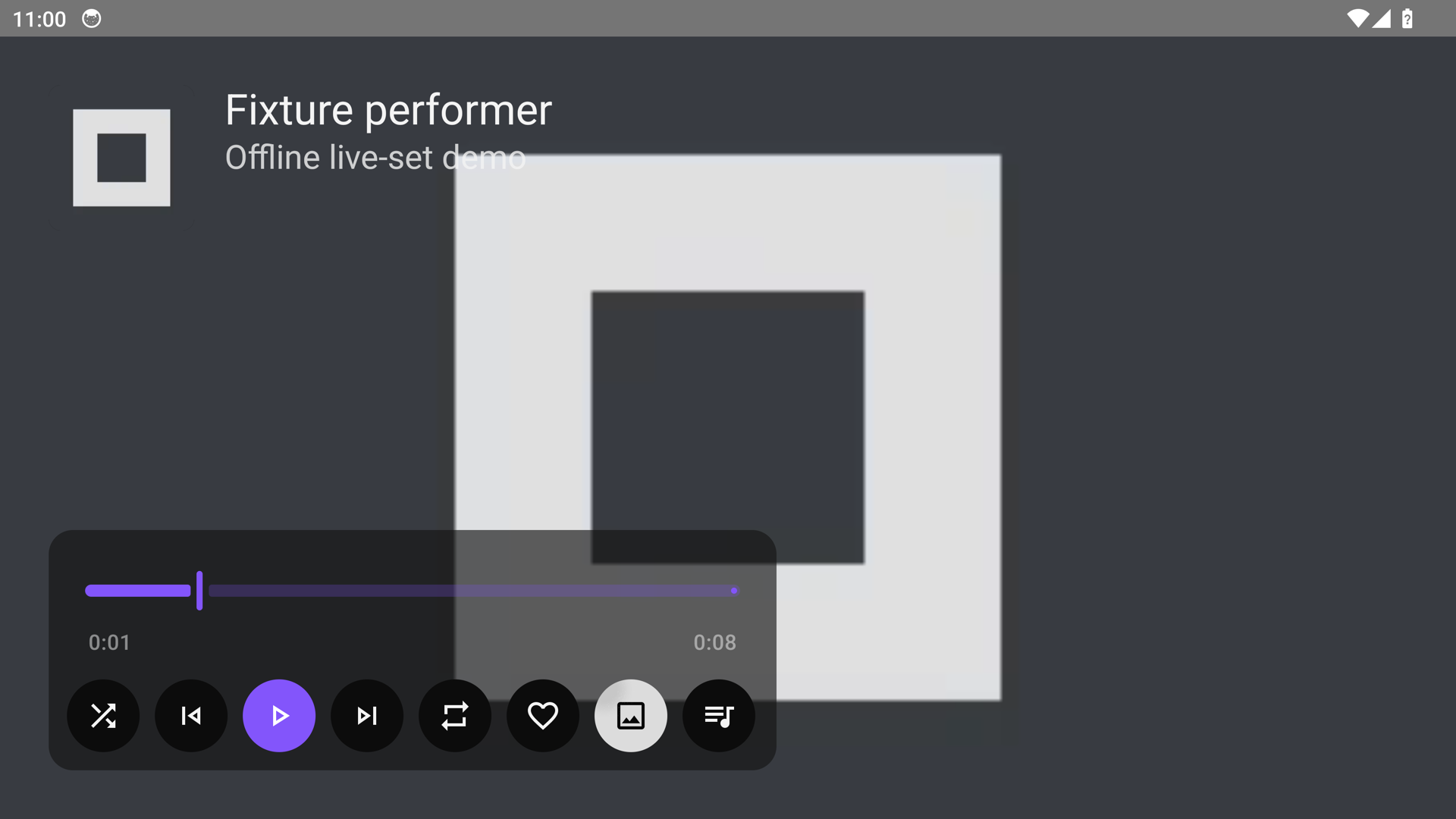
- Play a recorded live set or regular track. Video matching should run while playback remains audio-only in Visualizer or Artwork view.
- Open Now Playing controls. Use the view button after the heart to choose Video when a match is available. Art Tracks with static artwork count as video choices.
- Switching views should retain the recording and playback position. Hiding the player or returning to artwork should stop video rendering.
- A missing or unsupported picture should retain audio playback through the existing fallback. Matching should reject a different performer, event, year, creative version or short excerpt.
The live guest probes found Fideles at CRSSD Fall 2023 and Agents Of Time at Hï Ibiza 2024 with nearly identical recording lengths and available H.264 1080p pictures. These probes validate matching/format availability; confirm actual playback on your TV.
Report the track title, chosen view, preferred audio provider, what happened and the Preview app/plugin versions. The preview uses a separate installation, so setup and sign-in are not copied from stable Milkbeat.
Controlled playback examples
These Android 14 emulator screenshots use a generated static frame and silent local audio, with synthetic provider metadata. They show the actual TV controls and Media3 playback surface; they are not live-provider or account screenshots.
Audio-only before Video is selected:
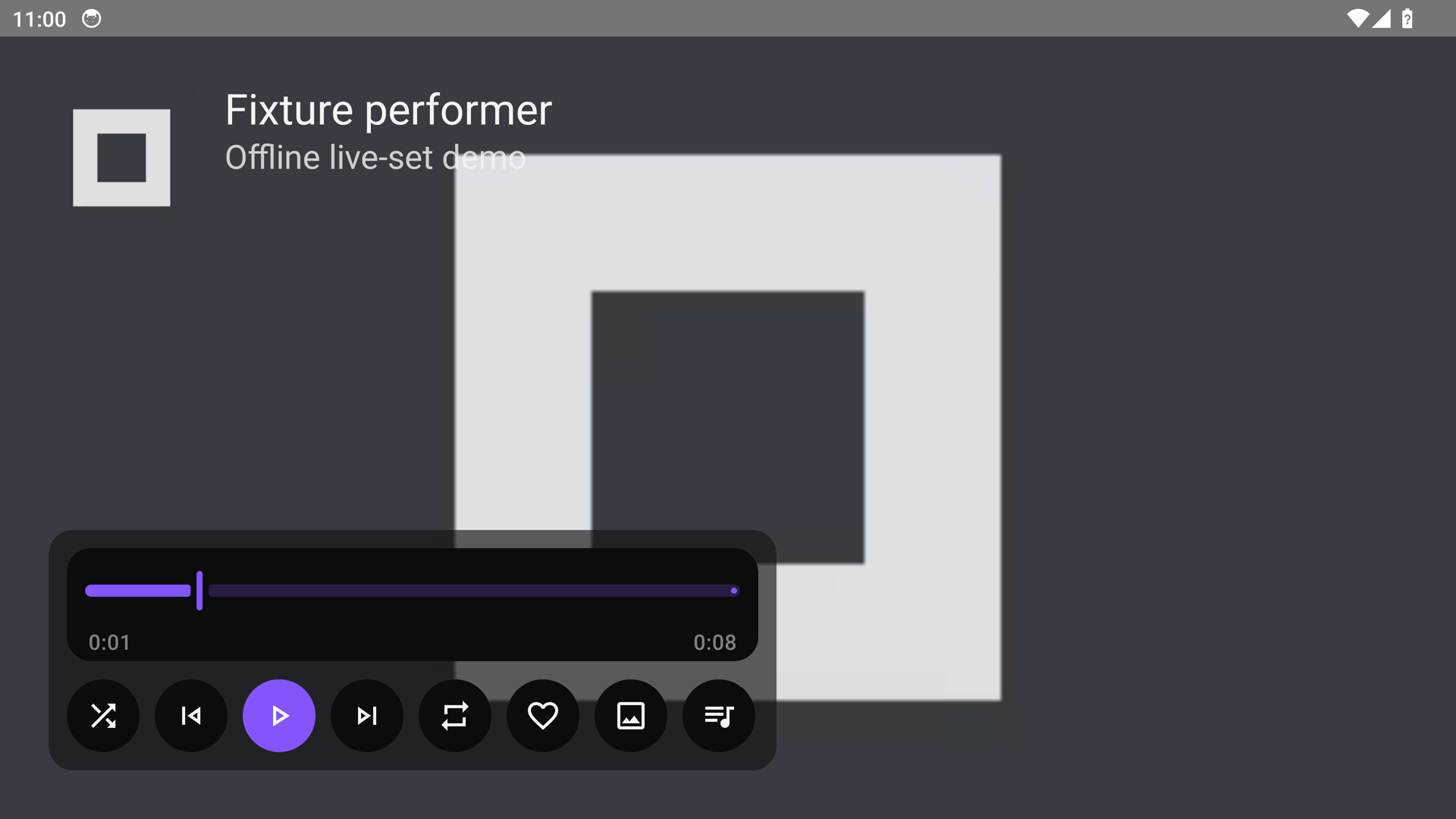
After selecting Video, the static Art Track frame renders at the same playback position:
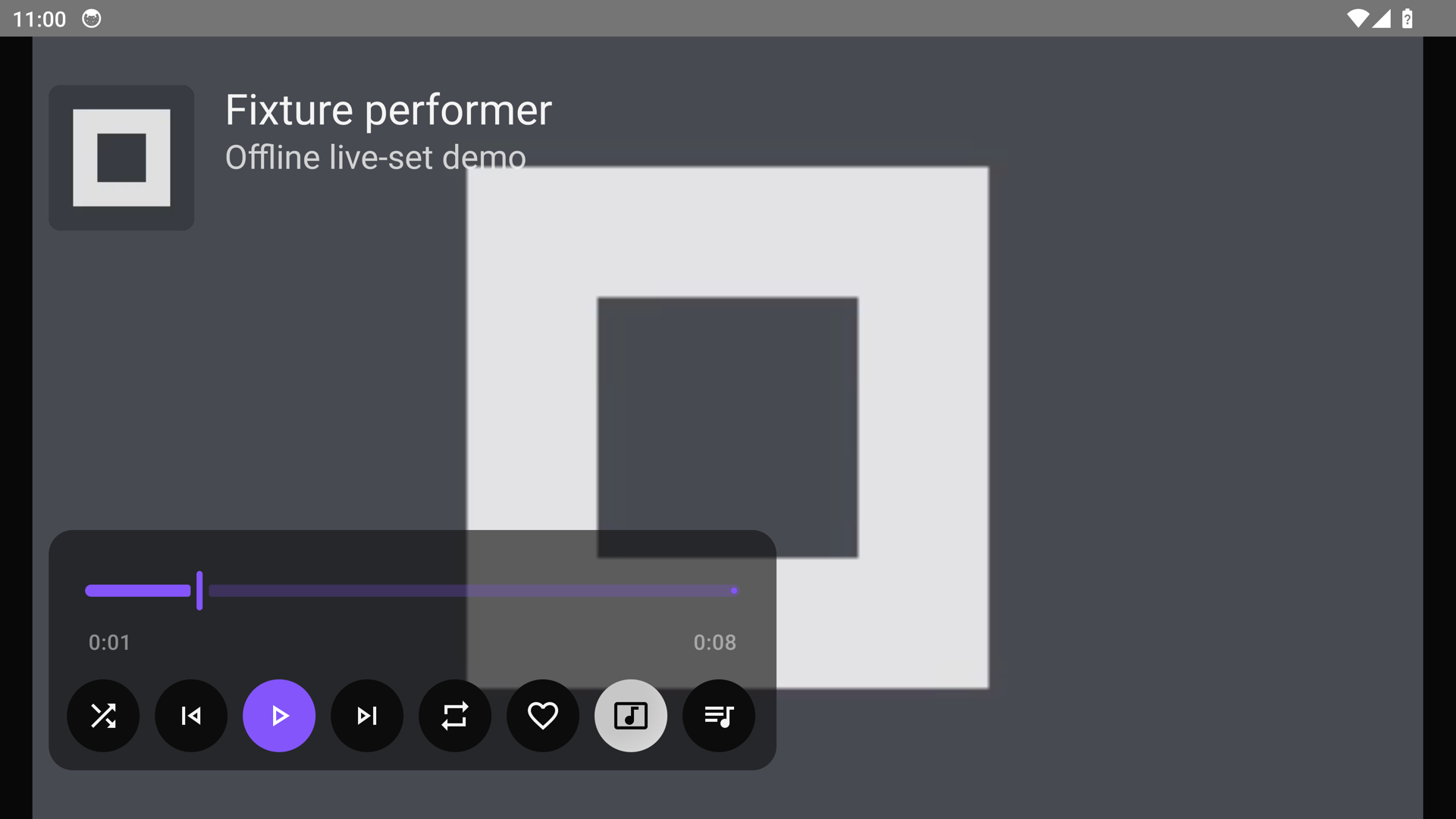
An unavailable picture returns to artwork while audio resumes from the same position: