Milkbeat
A music player for Android TV. Play your own files, network shares and streaming catalogs with the remote, and let MilkDrop visuals, the music video or the cover fill the screen.
Install on your TV with the Downloader app: code 7170062. Install Downloader by AFTVnews, enter the code and confirm. The code always points to the newest release. More install options.
Use it
-
Install and get started
Install, first playback and the remote controls.
-
Music tabs, Search and Library
One sidebar tab per music service, a Local library tab, a search chip per tab and a Library chip per account.
-
Local and network folders
The TV's storage, USB drives, SMB, WebDAV, SFTP and NFS, with a tag-built local library.
-
Providers and sign-in
YouTube, Spotify, Beatport, SoundCloud and Deezer plugins, audio priority and automatic plugin updates.
-
Playback, queue and radio
The player controls, endless radio with YouTube Music's presets, and the three now-playing views.
-
The visualizer
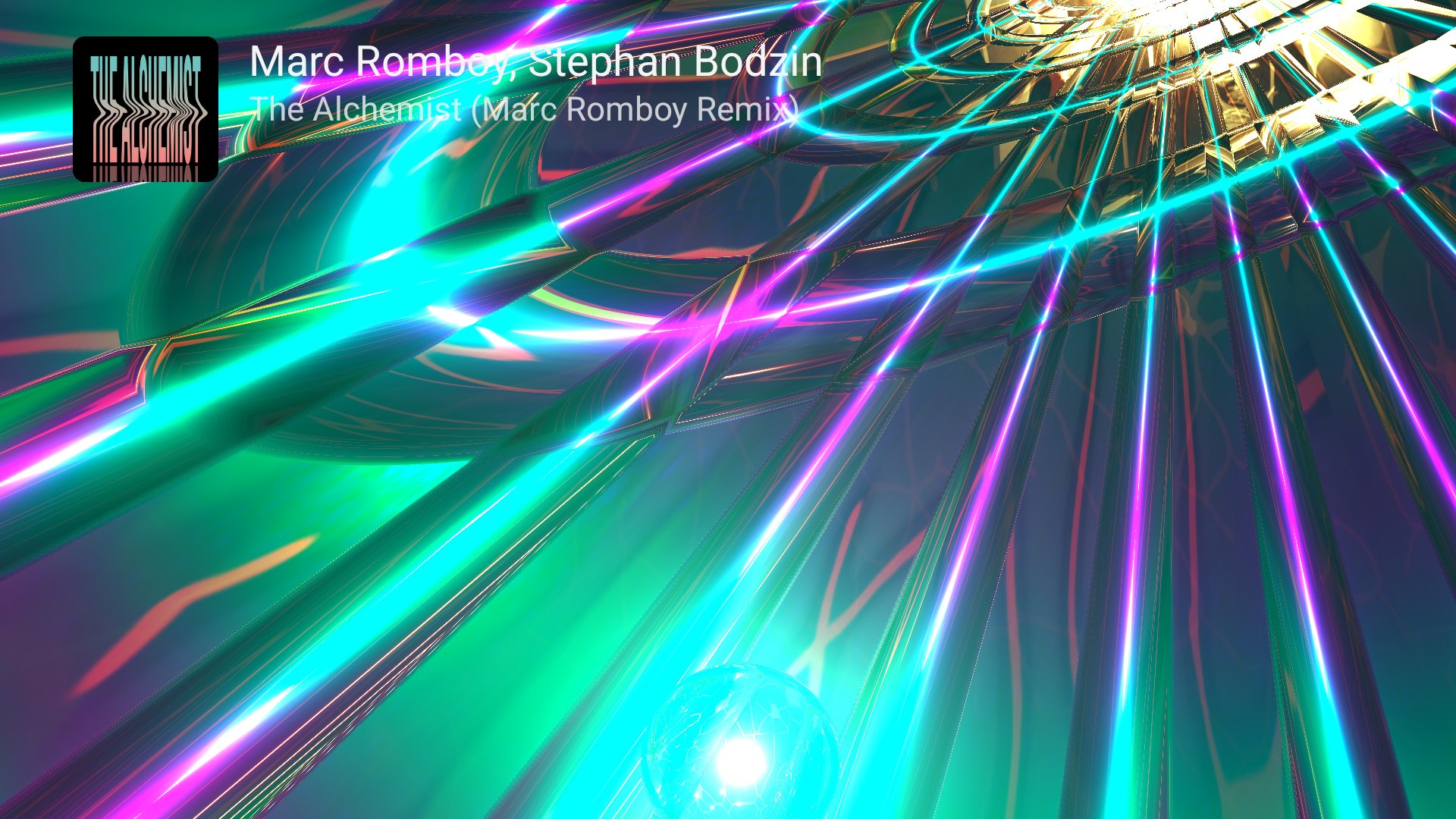
9,606 MilkDrop presets from the ProjectM TV engine, up to 4K, reacting to what Milkbeat plays.
What makes it different
-
A tab per music service
Every catalog you can use gets its own sidebar tab with the service's logo. There is no metadata provider to choose: each tab, search chip and Library chip keeps to its own provider.
-
Catalog and audio are separate
Browse Spotify or Beatport and let YouTube, SoundCloud or Beatport supply the audio, tried in the order you choose. Recording identity is checked, so a cover or a short excerpt is rejected.
-
Every queue continues as a radio
Albums, playlists and even local files hand over to a YouTube Music mix you can steer with its presets, such as Discover, Party or a decade.
-
Your own files first
Local and network folders need no plugin or account. Their tags build a Local library of artists, releases, genres, labels and years, and local audio always plays from the file.
Choose how to listen
| Your music | What to set up |
|---|---|
| Files on the TV or a USB drive | Settings → Music folders → Choose local folder |
| Files on a NAS or computer | Settings → Music folders → Add SMB share, WebDAV server, SFTP server or NFS export |
| YouTube Music and YouTube | Install the YouTube plugin (code 563); its YouTube tab appears at once, sign-in with MicroG-RE-TV optional |
| Spotify catalog with YouTube audio | Install Spotify (981) and YouTube, sign in to Spotify, keep YouTube under Audio |
| Beatport catalog and streaming | Install Beatport (393) and sign in; full streams need a Beatport streaming subscription |
| SoundCloud | Install SoundCloud (089) and pair it with a TV code |
Milkbeat is free software under the GPL v3, forked from Flow. Its visualizer is the ProjectM TV engine by the same author. Project on GitHub · Releases · Report an issue · Release notes